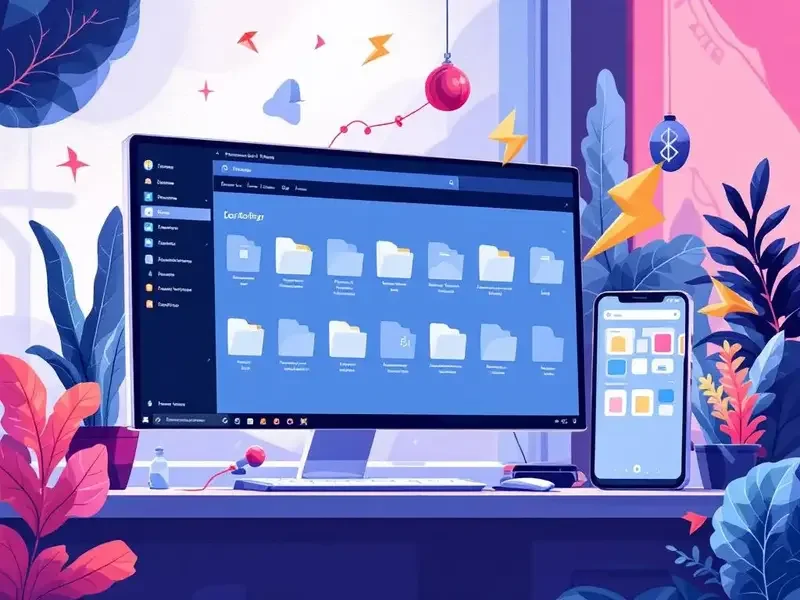
Microsoft is testing updates to File Explorer in the latest Windows 11 Dev preview builds, focusing on faster launch performance and a cleaner user interface. One key change is File Explorer preloading, designed to improve startup speed on devices with limited performance, such as tablets and handheld PCs. Users will have the option to disable preloading, and Microsoft notes that most modern PCs will not require this feature. This update follows similar improvements made earlier to Office apps, where silent startup tasks helped apps like Word open more quickly.
The File Explorer context menu has also been redesigned to reduce clutter and make commonly used options easier to access. Less frequently used actions have been moved into submenus, while a new “manage file” flyout contains features such as compressing files to ZIP, copying file paths, setting images as desktop backgrounds, and rotating files left or right. Cloud-based file options, including Send to My Phone, have been grouped into a separate cloud provider flyout, providing a cleaner menu and simplifying navigation.
All of these changes are currently being tested in Windows 11 Dev preview builds, with Microsoft planning to roll them out to all Windows 11 users in early 2026. The updates aim to improve usability, speed, and efficiency for both casual users and those on lower-performance devices.